Interactive Maths Tools
Free virtual manipulatives and visual tools to explore key ideas in maths, each with its own investigation questions.
How the tools work
Each tool lets you move objects, change settings and see the maths respond straight away.
Underneath every tool are 30 or more investigation questions to work through.
They are free, need no login, and work full screen on the board or on a tablet or phone.
Three ways to get the most from them
The tool shows what happens. These routines get everyone thinking about why.
- 1
Predict first
Before each change, ask what will happen. Then make the change and see who was right.
- 2
Notice and wonder
Ask “What do you notice? What do you wonder?” A surprise is a great moment to ask why.
- 3
Use the questions
Work through the investigation questions under each tool, so there is always something new to explore.
No tools match
Try fewer words, or a different word for the same thing.
Number
- Number Grid ExplorerKS1KS2
Shade multiples, primes, squares and triangular numbers on a fully customisable grid. Change rows, columns, start and step to reveal patterns.
Also for: Factors, multiples and primes

- ManipulativesKS1KS2KS3
10-frames, Dienes blocks, Numicon, coins, dice and more to investigate place value and number relationships.
Also for: Mental arithmetic Written methods Counting and number sense British money Factors, multiples and primes Probability Fractions Properties of 2D shapes
- Place Value CountersKS1KS2
Drag counters into place value columns to build and partition numbers. Exchange between columns to explore regrouping.
Also for: Mental arithmetic Written methods Decimals
- Place Value ColumnsKS1KS2KS3
Multiply, divide, add and subtract while watching digits shift through place value columns. See expanded form in real time.
Also for: Written methods Decimals


- Addition and Subtraction Number LineKS1KS2KS3
Watch addition and subtraction as animated jumps along a number line. Bridge through zero with directed numbers.
Also for: Negative numbers Counting and number sense
- Multiplication Number LineKS1KS2KS3
Use the walking method to multiply on a number line: face a direction, then walk forward or backward to see why negative × negative = positive.
- Multiplication GridKS1KS2KS3
Highlight times tables, spot the diagonal of square numbers, find prime products and explore patterns across the grid.
Also for: Factors, multiples and primes Indices, roots and surds
- Number SmashKS2KS3
Combine any two numbers by adding, subtracting, multiplying and dividing. Can you make the target numbers?
Also for: Fractions Negative numbers Indices, roots and surds


Split any number into factor pairs, decompose it into a product of prime factors, or find its first 5 multiples.
Also for: Indices, roots and surds

Flip counters between positive and negative to model integers, make zero pairs and explore directed number operations.

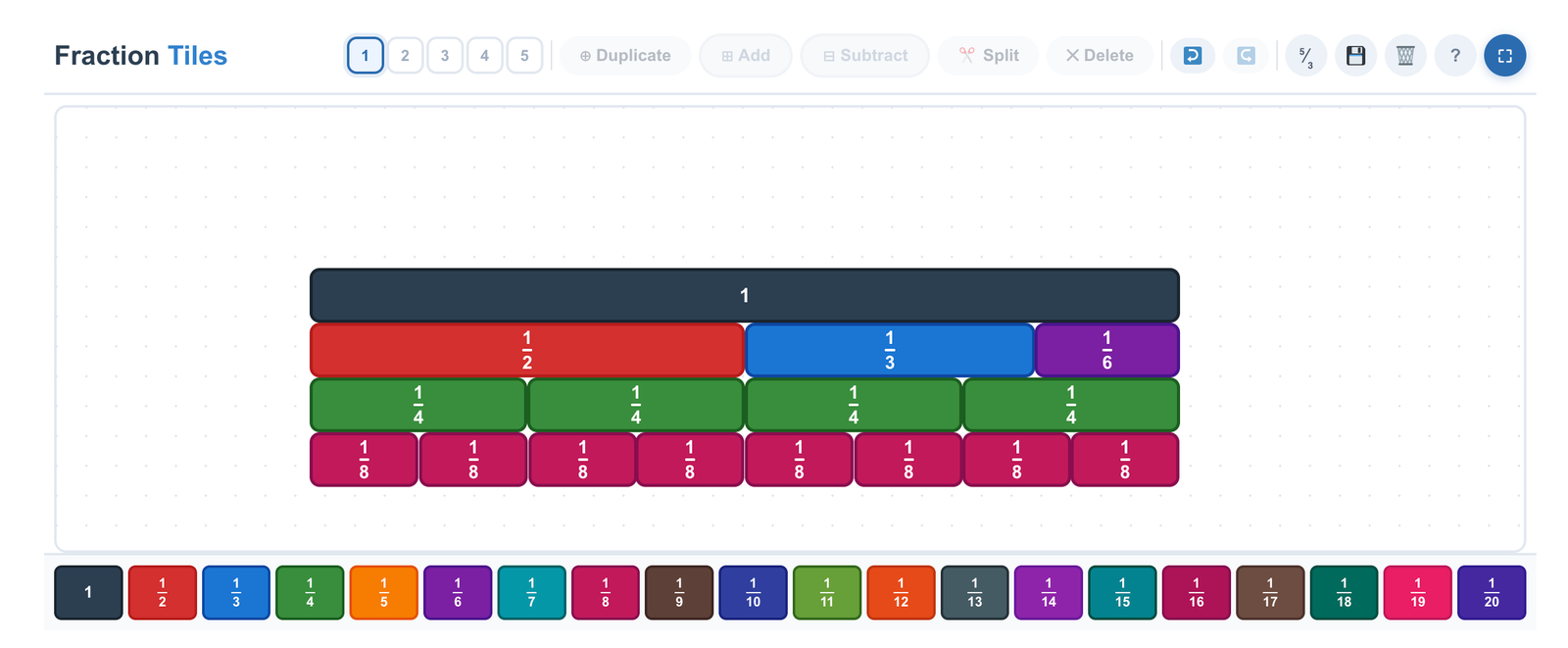
Investigate fraction equivalence, addition and subtraction with colourful, draggable fraction tiles.
Select fractions to see equivalences, toggle decimals and percentages, compare and add fractions, and reorder rows.
Investigate adding and subtracting fractions with splittable fraction bars. Ideal for bar modelling.


Geometry
- GeoboardKS1KS2KS3GCSE
Investigate shapes, angles, area and perimeter on square, isometric, coordinate and other geoboards.
Also for: Angles Properties of 2D shapes Coordinates Similarity and congruence Pythagoras' theorem Transformations

- Circle TheoremsGCSE
Drag points around the circle to investigate each of the main circle theorems, and compare them side by side.

Statistics & Probability
- Probability ToolsKS3GCSE
Run experiments with coins, dice, spinners and bags. Track convergence, compare snapshots and explore sample spaces.
